UCAN Fleet Management Portal
A simple, intuitive way to submit and organize Vehicle Requests and Returns. Allows for seamless communication between Staff and Managers. Contributes to an organized space, and easy record keeping.
About This Project
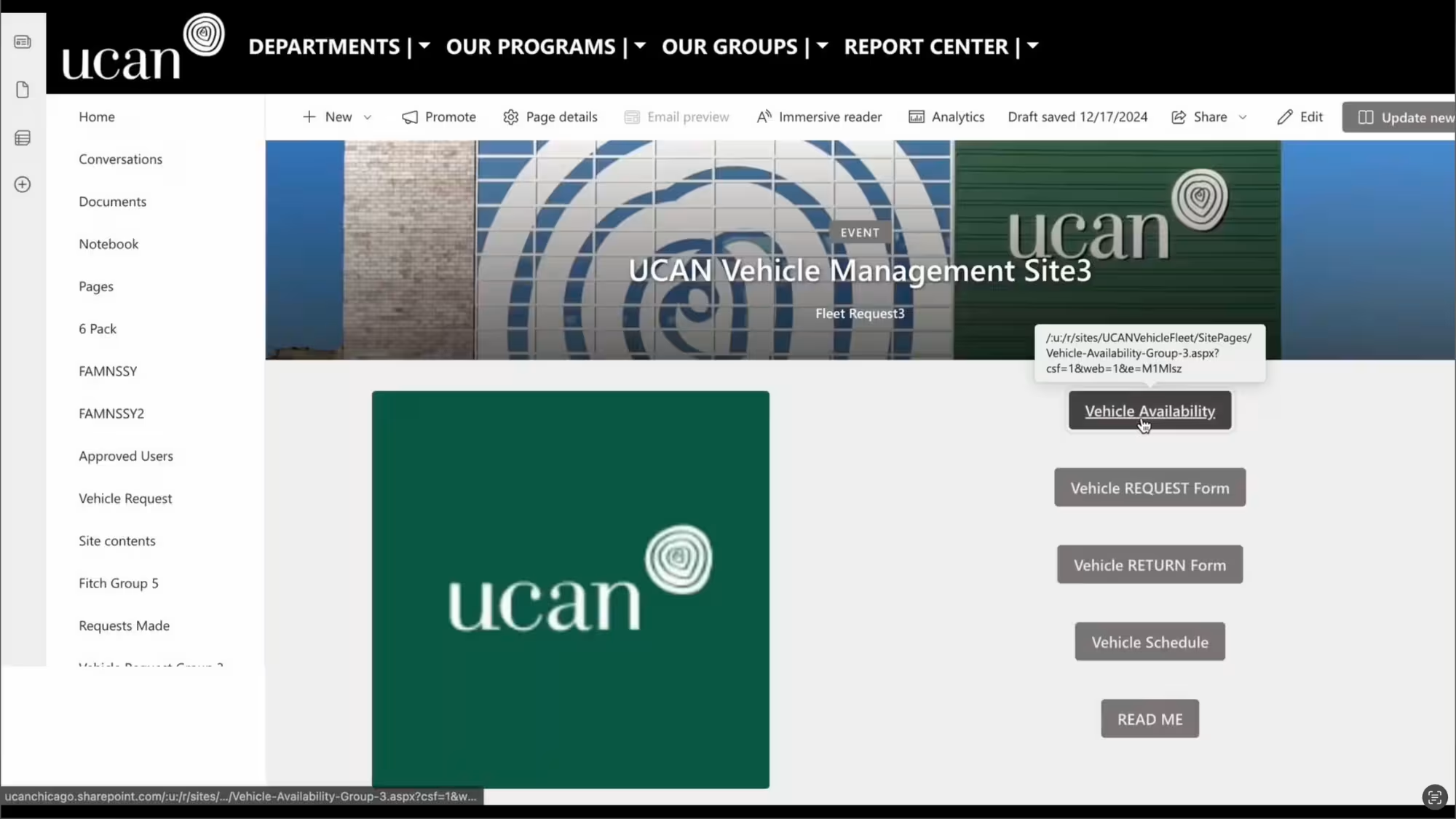
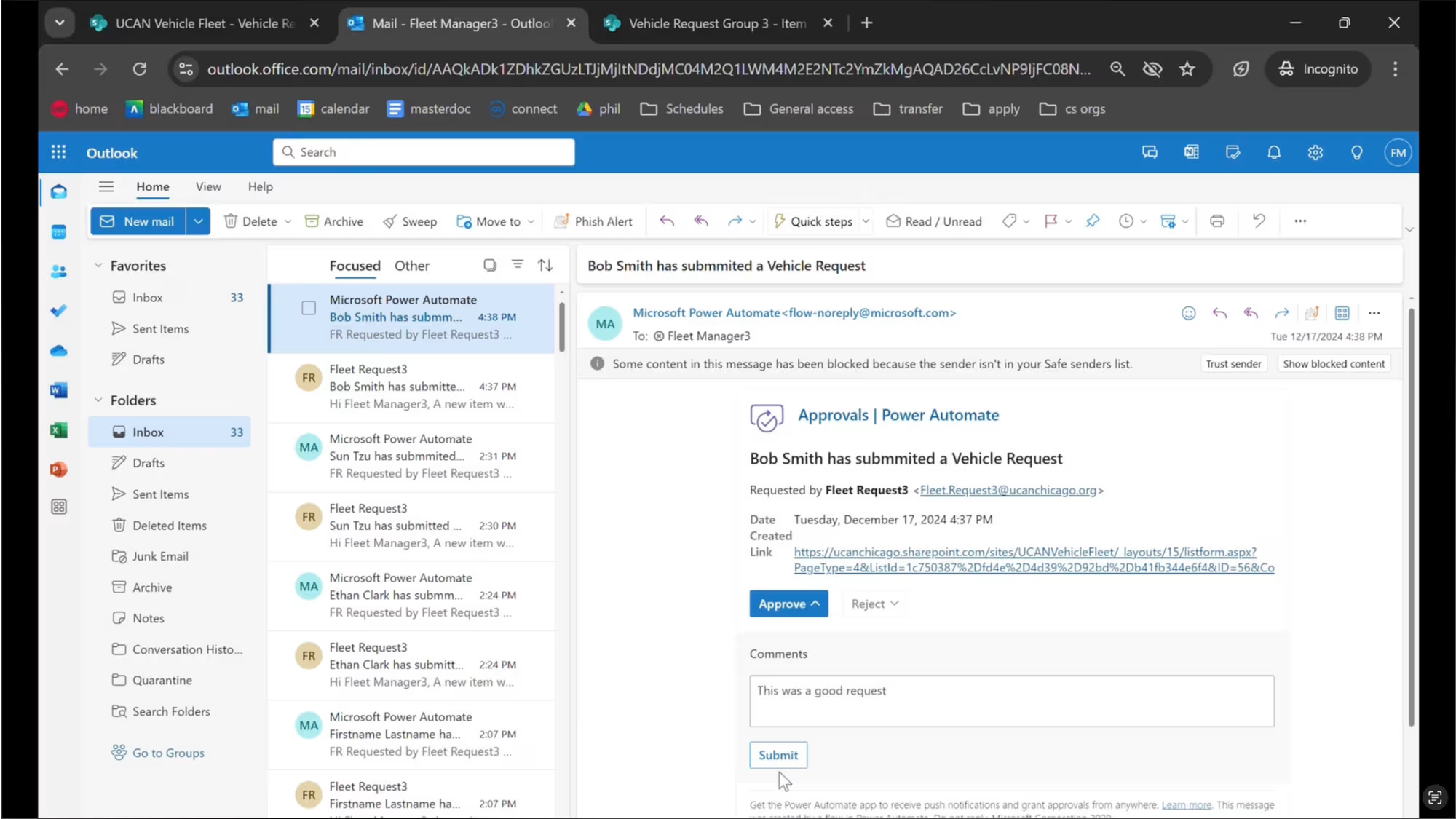
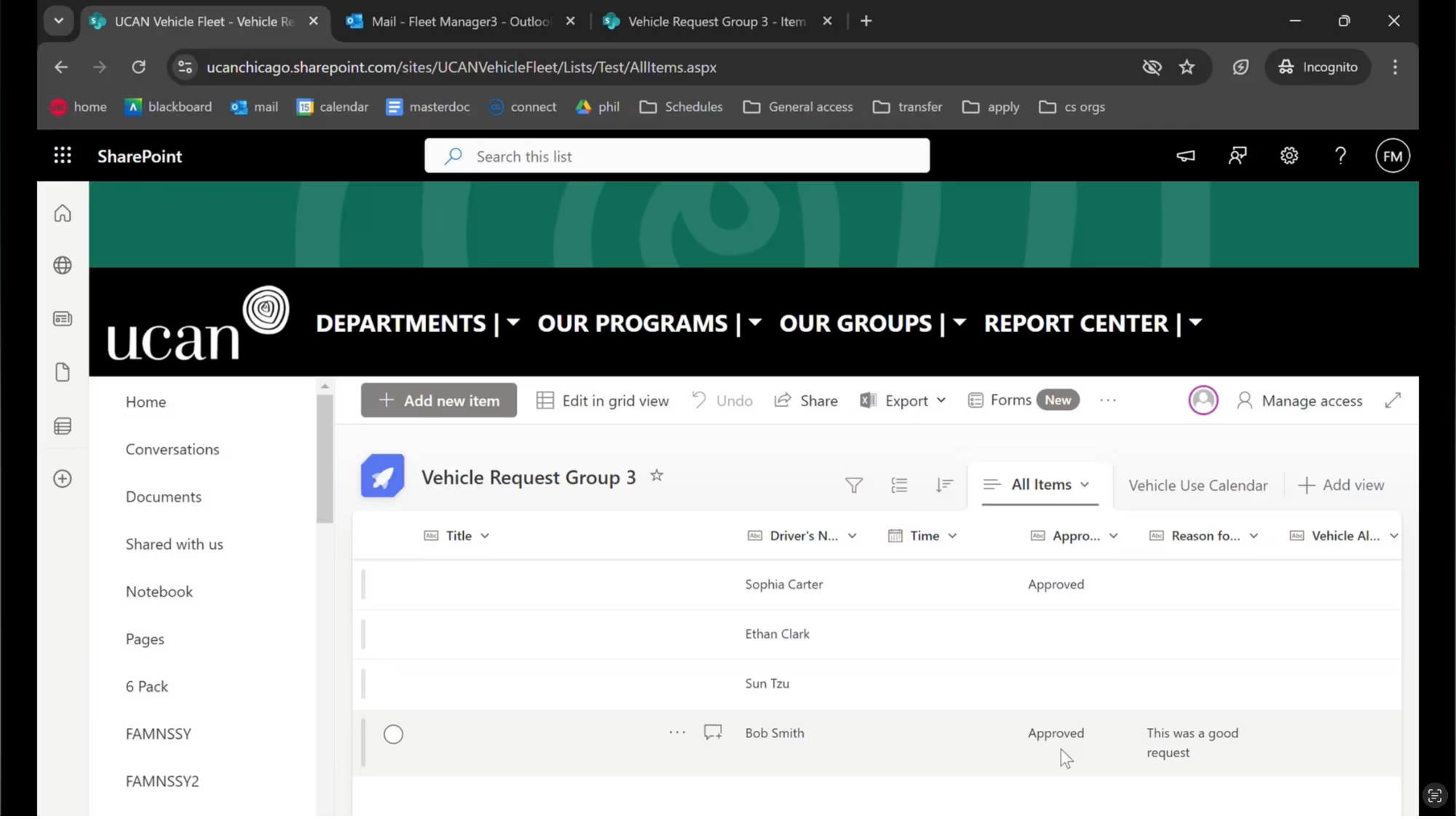
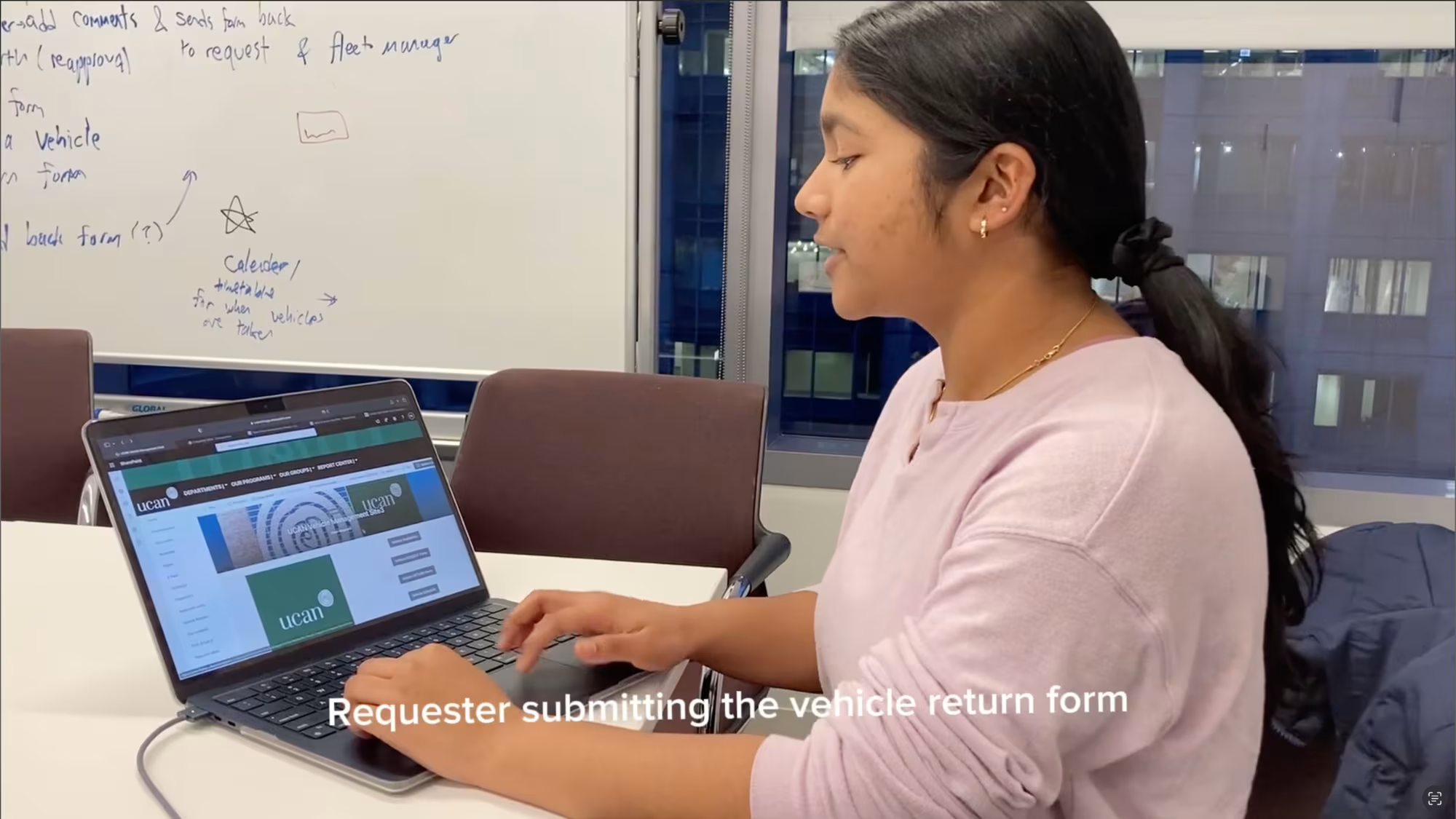
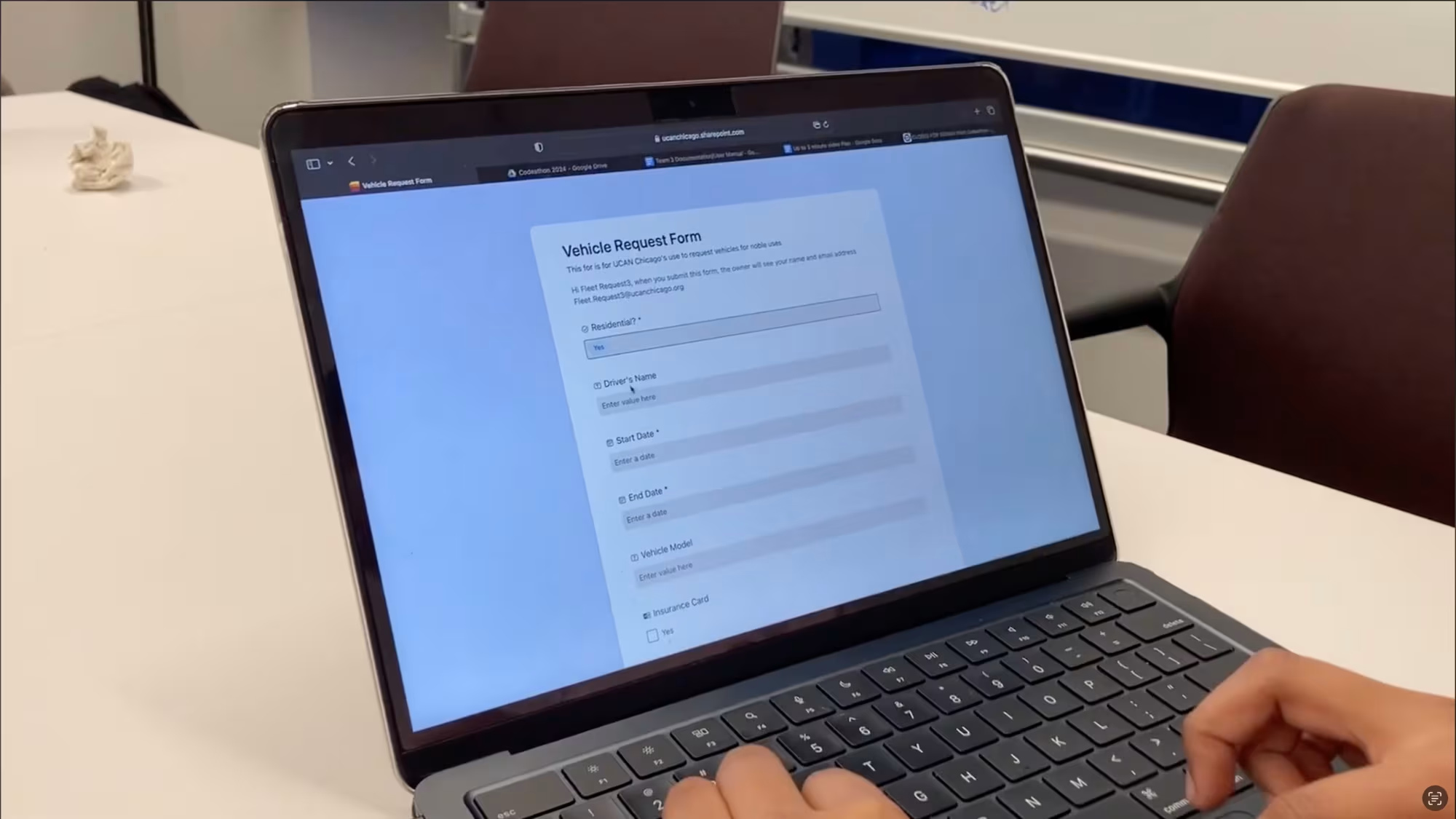
We were inspired by Break Through Tech Chicago's message of innovation and pioneering in the tech field. Before the Codeathon, none of us knew how to use any of the tools or softwares, but we took it as a challenge to learn and deliver a useful product to UCAN. Our website allows UCAN staff to access Vehicle management forms in an easy-to-access and intuitive website. When a staff member submits a Vehicle Request Form, an automated flow sends notifications and approval requests to their manager for seamless communication. Managers can find links to the requests in the emails sent through automation and can easily approve or reject requests without having to write out a full email. Information about the request, like status or if a vehicle has been allocated is also updated as approvals are given in the original form. Thus, all the information is linked together and managers do not need to go digging into paperwork for more information on the details of a request. We used Microsoft Automate to create workflows and automate email responses and next steps. SharePoint was used to organize and save request form information, vehicle return form submissions and vehicle status information. This application was created for the Chicago Fitch 2024 codeathon alongside Harini Solaidurairaj, Ariel Wong, Asha Makwana, Carissa Lau, and Rida Siddiqui. Check out our devpost submission --> https://devpost.com/software/ucan-fleet-portal-group-3
Key Features
- Digital vehicle request and return forms built with SharePoint
- Automated multi-step approval workflows using Microsoft Power Automate
- Email-based approval and rejection with comments for clear communication
- Real-time request status and vehicle availability tracking
- Linked calendar view to visualize vehicle usage schedules
Technologies Used
- SharePoint
- Microsoft Power Automate
- Microsoft Forms
- Outlook Email Integration
Challenges & Learnings
Challenges:
A huge challenge for all of us was unfamiliarity with the softwares. Before this Codeathon, none of us had used SharePoint, created flows or even knew what a flow was. We had to overcome a huge learning curve in order to get anything working. If we had more time, we would have liked to polish the website's user interface.
What I Learned:
This project taught us how to quickly learn and apply low-code tools to build real-world business solutions under tight time constraints. We gained hands-on experience designing automated workflows, managing structured data in SharePoint, and thinking critically about user roles, approval logic, and process efficiency. Most importantly, we learned how technology can be leveraged to streamline operations and create meaningful impact for UCAN Chicago a non-profit organization.