Pastry Pop
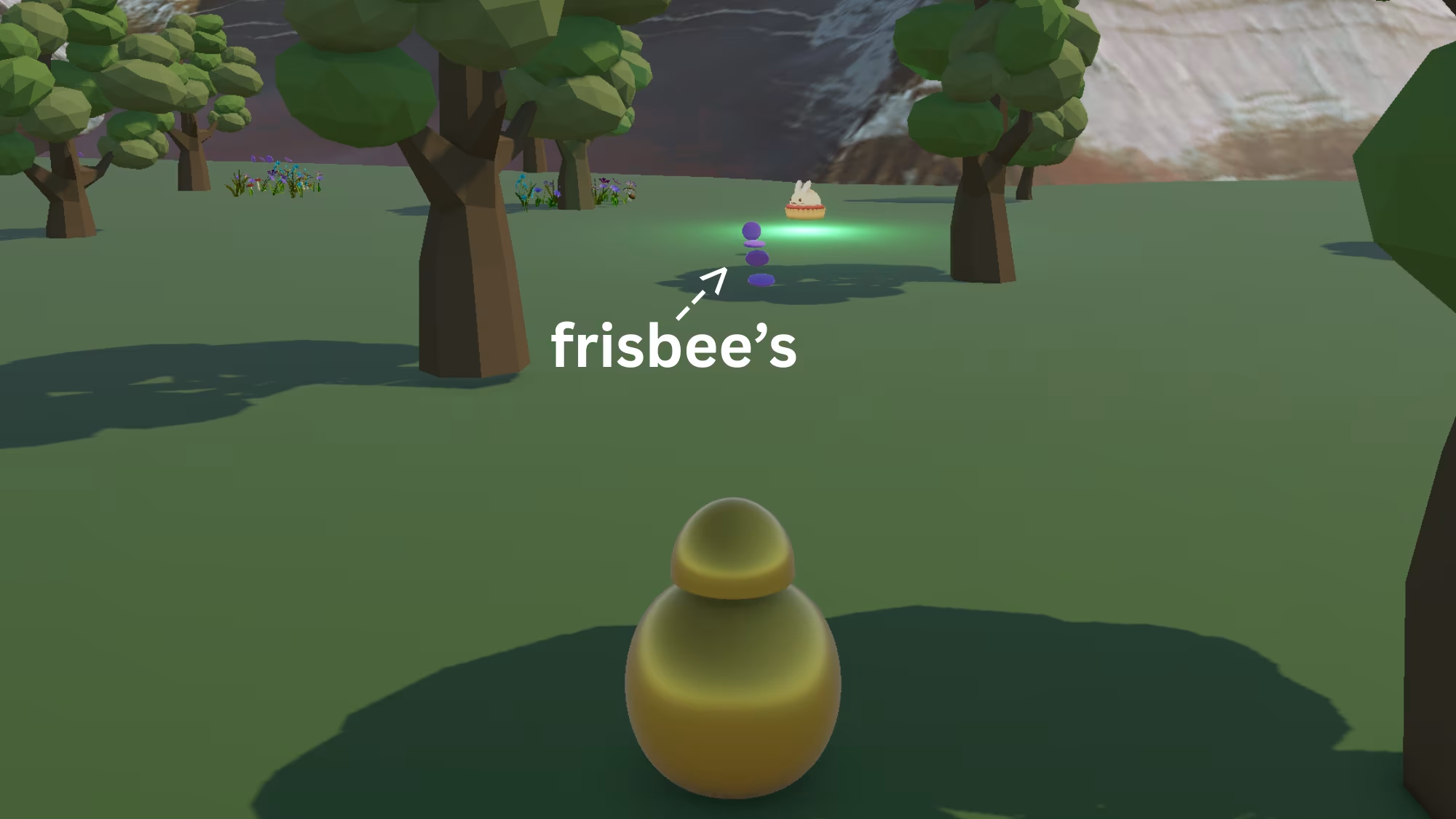
A fun Unity 3D arcade-style game where players throw frisbee's to hit desserts and score points
About This Project
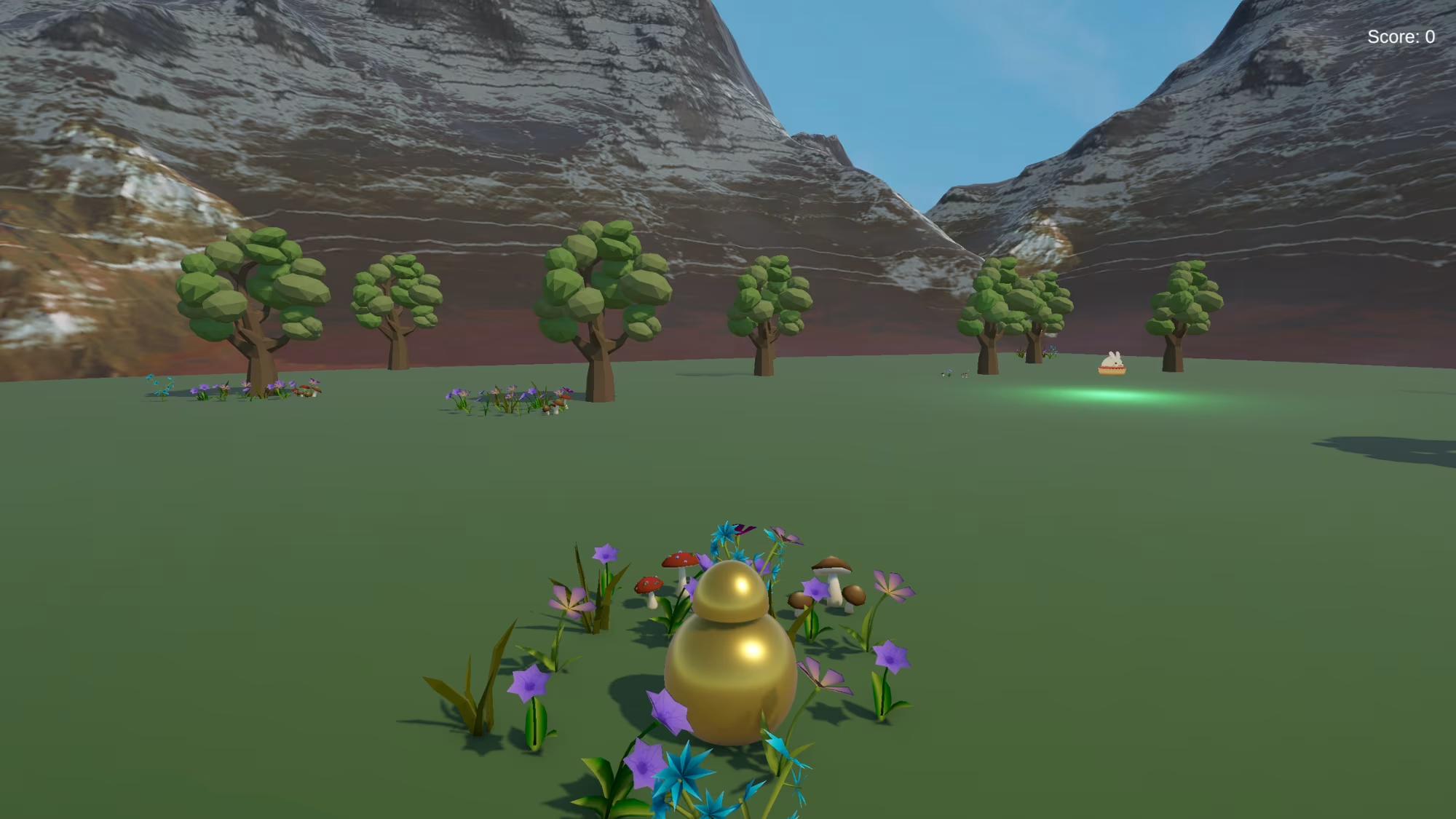
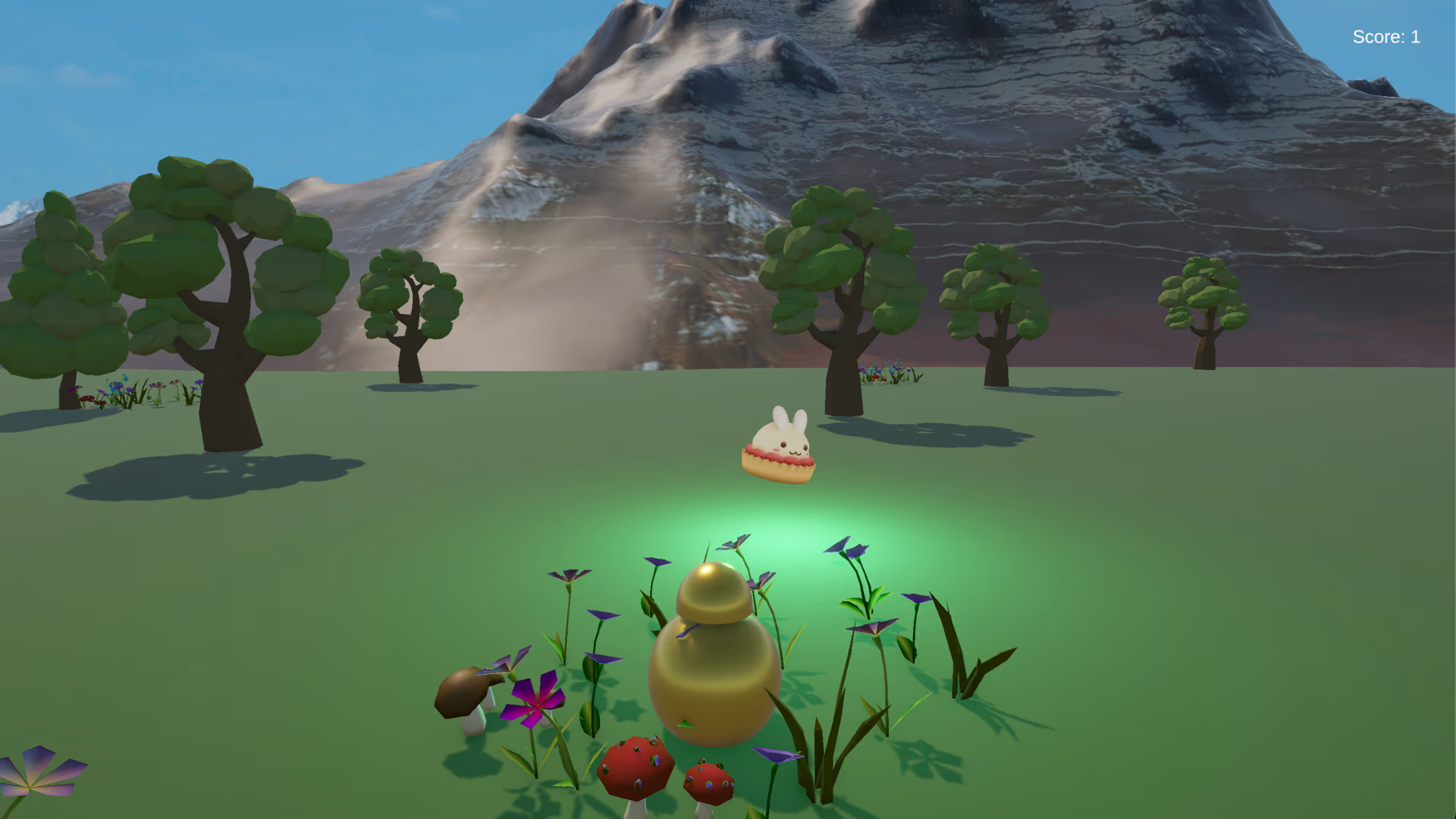
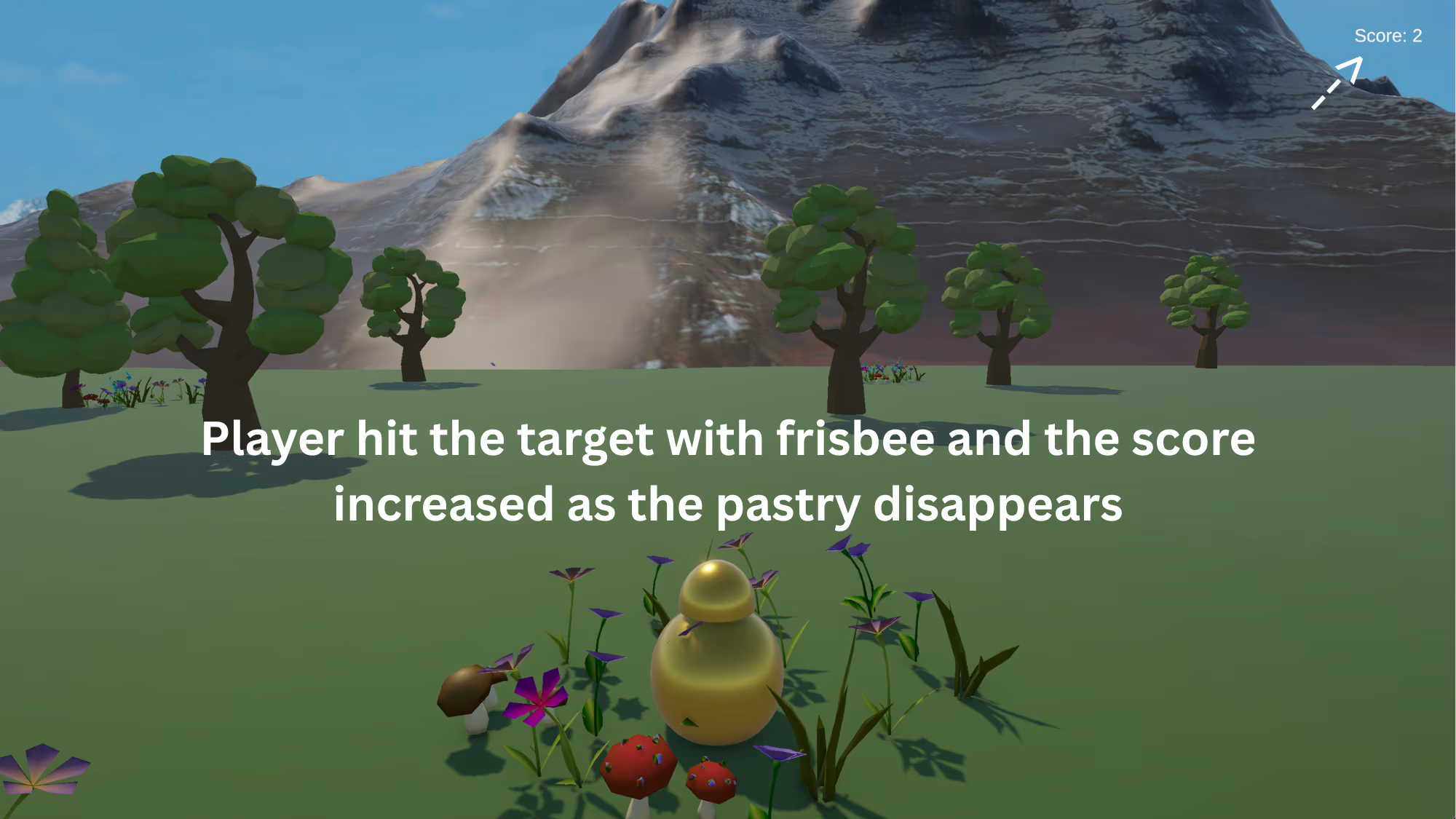
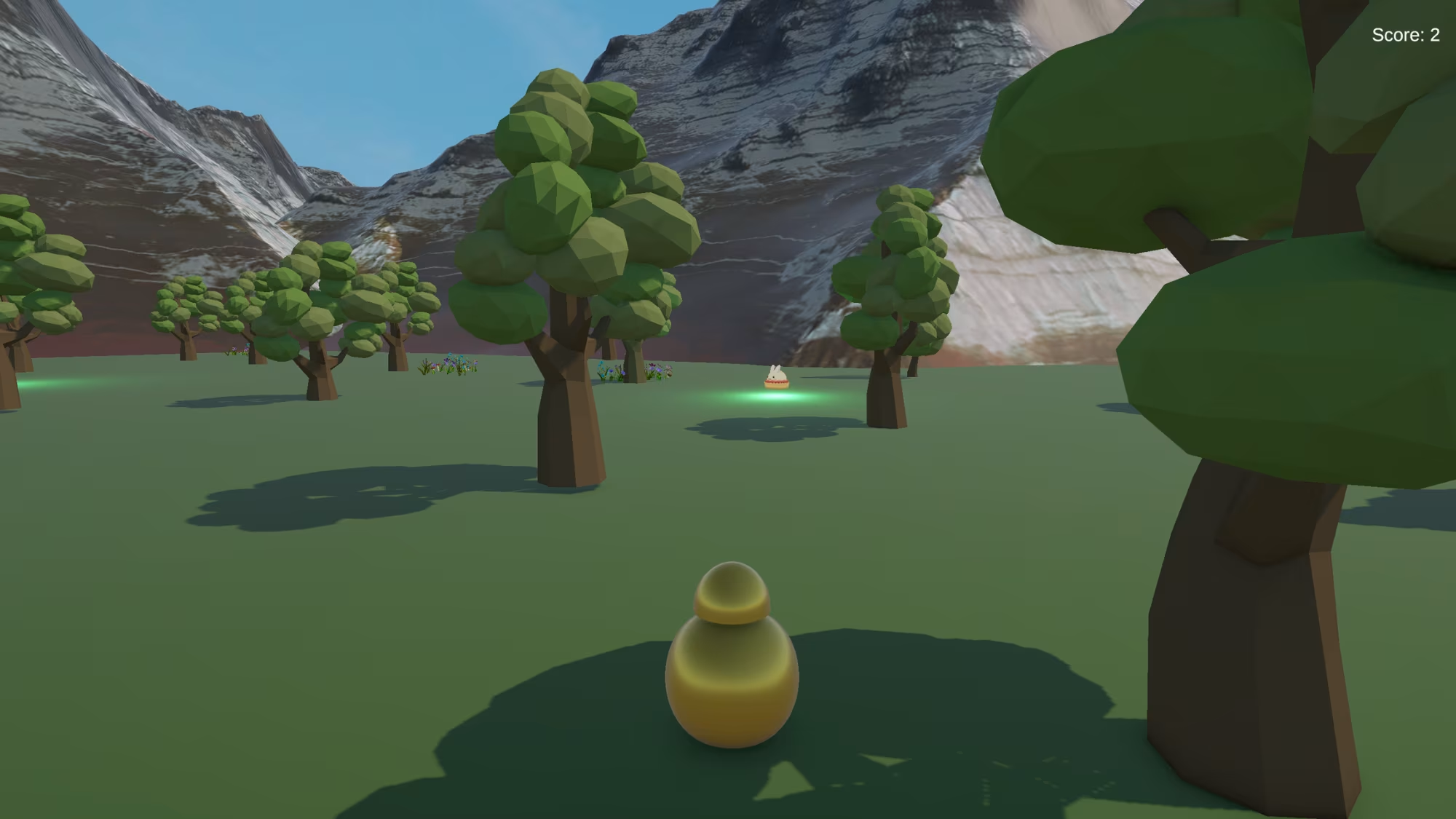
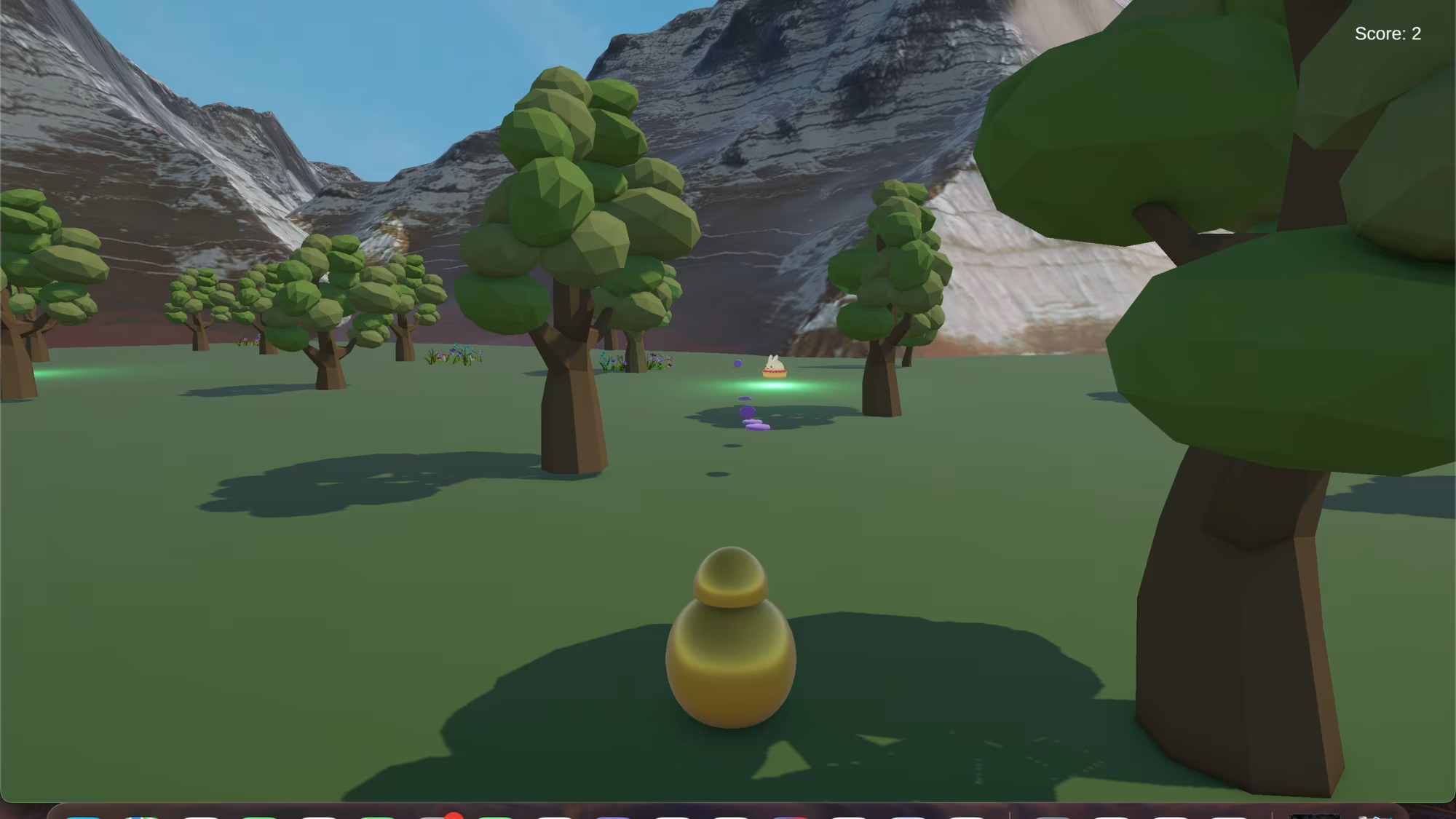
Pastry Pop is a lighthearted 3D arcade game built in Unity where players explore a vibrant outdoor environment and throw purple frisbees to hit pastry targets. Using WASD movement controls, players navigate the scene and aim carefully to hit all desserts placed throughout the map.The objective is simple yet engaging: locate and successfully hit all five pastries scattered across the environment to win the game. Each successful hit contributes to the player’s score, encouraging accuracy and exploration.As my first Unity project, Pastry Pop focuses on core game development fundamentals. The game incorporates physics-based interactions using rigid bodies and colliders, allowing for realistic projectile motion and collision detection between frisbees and pastry objects.The environment is designed using a variety of free Unity assets, including trees, plants, mountains, and stylized dessert models, creating a playful and colorful atmosphere. Lighting elements such as point lights enhance the visual experience and highlight key objects in the scene.This project served as an introduction to Unity’s workflow, including scene setup, asset integration, scripting player controls, and debugging gameplay mechanics
Key Features
- Player-controlled movement using WASD controls
- Projectile-based gameplay with throwable frisbees
- Collision detection between projectiles and pastry targets
- Score-based objective system (hit all 5 pastries to win)
- Interactive 3D environment with decorative assets
- Basic lighting using point lights to enhance visuals
Technologies Used
- Unity 3D
- C#
- VSCode
- Physics: Unity Rigidbody & Collider System
- Assets: Unity Asset Store (Trees, Plants, Dessert Models, Mountains)
Challenges & Learnings
Challenges:
As my first Unity project, one of the main challenges was understanding how different components such as rigidbodies, colliders, and scripts work together to create interactive gameplay. Implementing accurate projectile physics for the frisbee throws and ensuring reliable collision detection with pastry targets required experimentation and debugging. Additionally, learning how to properly import and organize external assets into the scene was a new experience
What I Learned:
Through building this game, I developed a strong foundation in Unity and game development concepts. I learned how to implement player movement, work with physics systems like rigidbodies and colliders, and design simple gameplay loops. This project also helped me become more comfortable navigating the Unity editor, integrating assets, and troubleshooting issues laying the groundwork for more advanced projects